LCA tools for architects: standalone, add-ons and hybrids

Why it matters
Choose a life-cycle assessment (LCA) tool by the decision it can support, then by how it connects to your design software. A convenient Revit button does not establish that the assessment is complete, uses suitable Australian data or can test envelope performance. Our view: integration is a workflow benefit, not evidence of assessment quality.
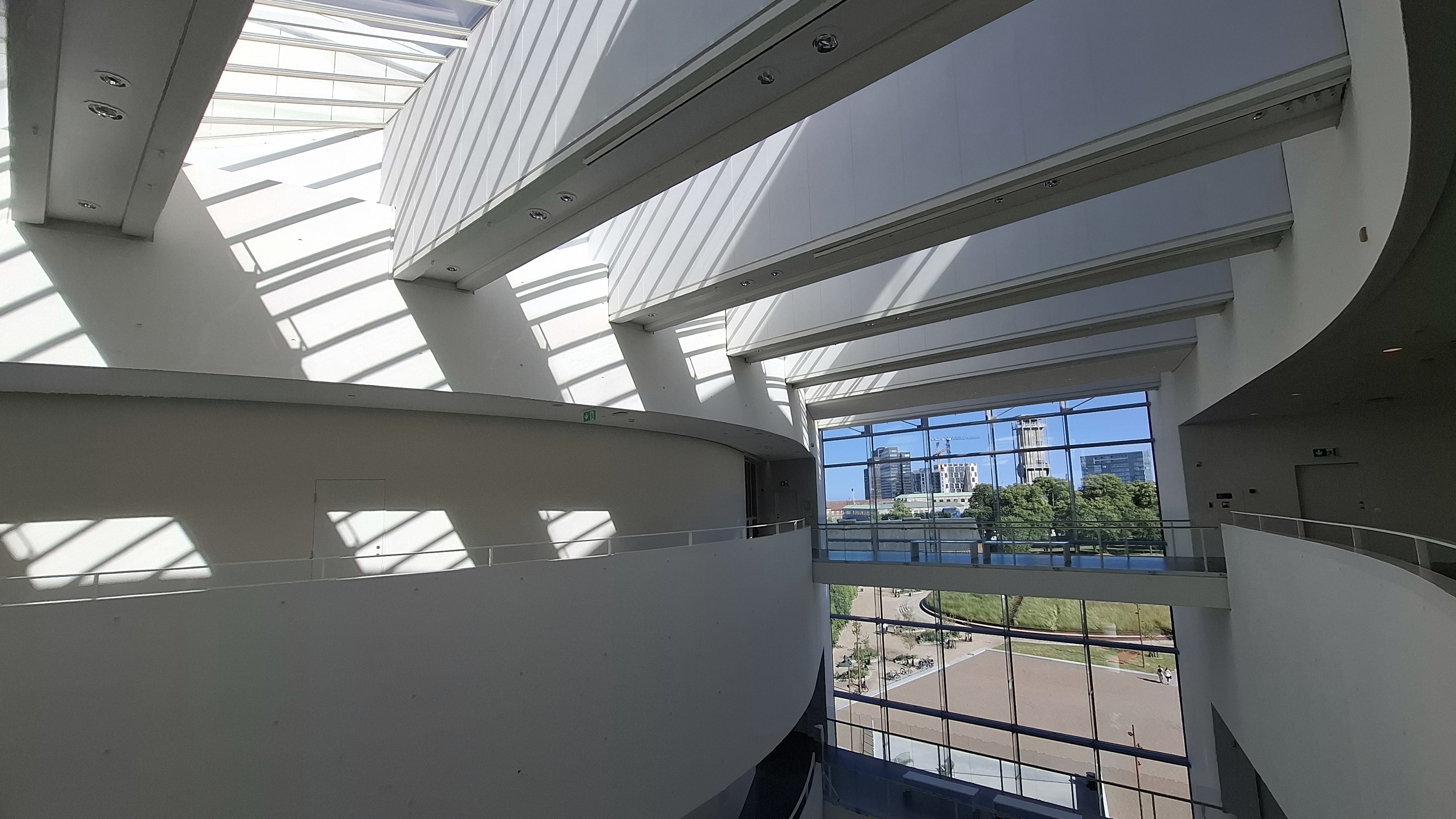
Header photograph: Shixart1985, CC BY 2.0, via Wikimedia Commons.
What are standalone, add-on and hybrid LCA tools?
Standalone LCA tools run as their own application, often in a browser. You enter or import project information into a dedicated assessment environment. RapidLCA is a housing-focused example. Using a standalone application does not require the assessment to start from a BIM model. [1]
Add-on LCA tools work within software whose main purpose is design or modelling. TallyLCA works within Revit; EPiC Grasshopper brings embodied environmental assessment into Rhino’s Grasshopper environment. An add-on may calculate results within the design environment or connect to an external service. Check which it does. [2], [3]
Hybrid LCA tools, as we use the term here, are standalone LCA platforms that also offer design-software add-ons. eTool and One Click LCA have Revit plugins. You can work in the dedicated platform and use the plugin to connect design information. Hybrid describes the product’s access routes; it does not mean the tool automatically combines embodied carbon with energy simulation. [4], [5]
These are practical selection categories, not standardised LCA method names. A hybrid platform is also usable as a standalone tool. An IFC or spreadsheet import is file exchange, not necessarily an add-on. For example, One Click LCA lists SketchUp Pro via IFC separately from its Revit plugin. [6]
What can the carbon result actually tell you?
Keep software format separate from assessment scope. Life-cycle assessment (LCA) can cover several environmental impacts; this article focuses on carbon. A plugin, a carbon calculator and a whole-building LCA are not interchangeable descriptions.
For an A1–A5 assessment, the result covers product and construction stages. It does not include energy used to operate the completed building. Specify the modules explicitly: the RICS whole-life carbon standard also identifies a pre-construction module, A0, in its upfront-carbon definition. [12]
B6 covers operational energy; B7 covers operational water. To compare orientation, glazing or insulation as energy-performance decisions, use energy inputs that respond to those changes. Early estimates can use declared scenarios, but a typical-performance assumption cannot demonstrate the effect of a design change it does not represent. [8], [12]
Whole-life carbon covers stages A to C, with module D reported separately under the RICS method. A1–A5 plus B6 alone is a partial assessment, not automatically a complete whole-life assessment. State the study period, exclusions and method. Do not subtract beyond-boundary benefits from a result labelled A1–A5. [12]
Our recommendation: choose the assessment boundary before the software interface. Use a combined LCA-and-energy workflow when the design question needs both. That workflow is separate from the standalone/add-on/hybrid classification above.
Which type of LCA tool should an architect choose?
Choose the working arrangement that matches your team, then check the method and data.
| Your working arrangement | Start with | Check before committing |
|---|---|---|
| You need a dedicated assessment environment and can supply quantities independently of a design model. | Standalone use | Can you document quantities, data choices, exclusions and design options? Does the tool cover your building type and required modules? |
| You want to compare material or assembly options while working inside Revit or Rhino/Grasshopper. | Add-on | What does the plugin calculate, what leaves the host application, and what model information is missing? |
| Designers work in BIM while an assessor manages the LCA in a dedicated platform. | Hybrid: standalone platform with add-on options | Check host-version and licence compatibility, material mapping, update behaviour, and who checks the transferred quantities. |
None of these formats makes an assessment inherently more accurate. The better choice is the one your team can maintain, check and explain.
Can an LCA tool assess orientation, envelope performance and solar?
Only if the assessment includes suitable operational-energy inputs or an energy model that responds to those variables. Showing a B6 column is not proof that the software simulates heating and cooling from geometry.
- Orientation test: keep material quantities and specifications fixed, but rotate the building in the energy model. An unchanged A1–A5 result is expected under those assumptions. It does not show that orientation has no operational effect.
- Envelope test: compare defined glazing or insulation specifications. Update the affected material quantities and data as well as the energy model. An envelope change can alter embodied impacts and operational demand; the assessment must reveal the trade-off rather than assume the result.
- PV test: add a defined solar system, including its material impacts. Calculate generation and on-site use using stated assumptions. Report any export benefit under the selected method. A lower combined total does not mean the original structure has lower upfront carbon.
These are proposed diagnostic checks, not software test results or a project case study.
For a fair design comparison, use four options: a baseline; an envelope change only; PV added to the baseline; and the envelope change with PV. Keep other assumptions consistent. Report A1–A5, operational energy before on-site generation, B6 emissions and any module D result separately. Include replacements and other relevant stages if claiming a whole-life comparison.
This separation prevents a lower net total from concealing the reason for the improvement. Green Star Buildings v1.1 also separates energy efficiency from on-site renewables. Its public overview supports that distinction; the applicable submission guidelines determine the project’s credit requirements. [10]
Defaults deserve attention. eTool’s support documentation assigns on-site solar use to B6 and exported solar to D1, and describes a default PV template split of 50% on-site use and 50% export. Check that split for the project. Treat those labels as eTool’s documented convention: RICS uses D2 for exported-utility benefits. Do not copy submodule labels between methods without checking them. [9], [12]
One Click LCA’s Carbon Designer 3D provides early operational-energy scenarios for supported reference buildings in Norway, Finland, Ireland and the UK. Its documentation describes typical-performance estimates, not a replacement for detailed energy simulation. Australia is not in that documented scenario coverage. This is a limit of that feature, not a claim that the whole One Click platform cannot accept Australian project energy information. [8]
The practical question is not “does it include energy?” Ask: “Will its energy inputs change when this design variable changes?”
Our view: a carbon chart that does not represent the design differences you are testing should not decide between those options. Test that sensitivity before trusting the ranking.
Examples of LCA tools, add-ons and supporting calculators
The table identifies documented functions and access routes. It is a shortlist, not a market-wide ranking. “Hybrid” means a standalone platform with add-on options. Scheme calculators and data-exchange routes are identified separately.
| Tool or route | Group | Useful role | Check before choosing |
|---|---|---|---|
| RapidLCA [1] | Standalone | Dedicated app marketed for low- to medium-density housing. | Confirm building-type coverage and assessment scope for the intended project. |
| EC3 [7] | Standalone use; integrations also available | Dedicated embodied-carbon tool and EPD database for material comparison and procurement. | Check product coverage and comparability. Integration availability alone does not make it a complete whole-life assessment. |
| TallyLCA [2] | Add-on | Assesses embodied environmental impacts of material selections within Revit. | Check current data geography, method and host compatibility for the Australian project. |
| EPiC Grasshopper [3] | Add-on | Uses EPiC data within Rhino/Grasshopper to assess embodied environmental flows. | Check the selected data and assessment boundary against the intended reporting method. |
| eTool [4], [9] | Hybrid | Dedicated LCA platform with a Revit plugin for linked quantities; operational-energy entries can be added. | Check material/template mapping and scope after transfer. Imported geometry is not evidence of an energy simulation. |
| One Click LCA [5], [8] | Hybrid | Dedicated LCA platform with a Revit plugin, including documented routes for bringing results back into Revit. | Plugin functions depend on licence and host version. Check mappings after import; some incompatible mappings can be reassigned. |
| SketchUp Pro → One Click LCA via IFC [6] | File exchange into a hybrid platform | A documented route from SketchUp Pro through IFC. | Do not describe IFC exchange as a native SketchUp LCA add-on or assume a live two-way connection. |
| NABERS Embodied Carbon calculator [11] | Separate scheme calculator | Estimate an embodied-carbon rating using the NABERS calculator. | NABERS states that estimate results cannot be promoted or published. An estimate is not a certified rating. |
| GBCA Upfront Carbon Reduction calculators [10] | Separate scheme calculators | Pathway A and B resources for Green Star Buildings submissions. | Use the applicable project version and submission guidance. These resources do not establish a universal software ranking. |
A software connection is not a data-quality check. eTool tells users to check for missing elements and duplicates after importing models. One Click documents cases where mappings incompatible with the selected calculation tool can be replaced during import. Review the assessment after transfer, not just the export settings. [4], [5]

An environmental product declaration (EPD) is product data, not proof that two design options perform the same function. Before comparing results, check equivalent performance, units, assessment boundaries, data geography and dates. Ask the LCA lead to confirm that the datasets are suitable for the chosen method.
Do not choose a tool because an AI-generated comparison calls it “Australian-ready” or “Green Star approved”. Follow the cited primary source to the specific feature, data coverage and scheme requirement. Those are separate checks.
Who should check the inputs and results?
Agree responsibilities in the project brief. Our recommended split is: the architect defines the options and geometry; a named quantity source supplies and checks quantities; the LCA lead sets the method, data and reporting boundary; and the energy modeller supplies design-sensitive energy results when required.
Record the model revision used for each comparison. A result assembled from different design revisions can look precise while answering no single design question.
How should tool use change through the design stages?
Concept: compare structural systems, facade approaches and major material choices. Use declared approximations where detail is unavailable. A checked manual take-off can be a better starting point than an incomplete BIM export. Keep enough information to explain why an option ranks better.
Design development: update quantities, assemblies and suitable product data as decisions become specific. If comparing envelope and PV options, update the energy inputs too. Test whether reasonable changes to uncertain assumptions reverse the ranking; if they do, report the decision as unresolved.
Documentation: reconcile the assessment with the issued design and product evidence. For Green Star work, use the applicable registered version, current resources and submission requirements. Do not present a NABERS calculator estimate as a published rating. [10], [11]
Five questions to ask before choosing an LCA tool
- What decision must this assessment support, and which modules will it report?
- Which inputs change when our design changes, and which remain generic defaults?
- What does the integration actually do: exchange files, transfer quantities, calculate impacts, or return results?
- Who checks quantities, material mappings, data suitability and model revisions?
- What evidence can we export to explain the result, its exclusions and the reason one option ranks better?
Need an upfront carbon number while the design can still change?
Makao’s Upfront Carbon Report assesses A1–A5 to support design-stage material and system decisions. Ask about an Upfront Carbon Report while those choices can still change. We confirm the assessment boundary, required inputs and deliverables before starting.
Scope and sources
This guide reviews public product and scheme documentation, not software performance. The examples are illustrative selection guidance for Australian practice. Product capabilities and licences can change. Confirm project requirements against the applicable method and scheme version.
[1] Cerclos — RapidLCA
[2] Tally — Revit LCA application
[3] University of Melbourne — EPiC Grasshopper
[4] Cerclos — eTool Revit plugin and quantity checks
[5] One Click LCA — Revit integration, licences and mapping
[6] One Click LCA — integration routes
[7] Building Transparency — EC3
[8] One Click LCA — Carbon Designer 3D operational-energy scenarios
[9] Cerclos — operational energy and PV allocation
[10] GBCA — Green Star Buildings v1.1 overview and resources
[11] NABERS — estimate your rating
[12] RICS — Whole life carbon assessment, 2nd edition, version 3 (August 2024), sections 2.1, 5.7.2 and 6.1
Questions or corrections: contact Makao.